Welcome to the Aroma IPTV Complete Guide. Whether you’re new or upgrading, this walkthrough gets you streaming fast and reliably.
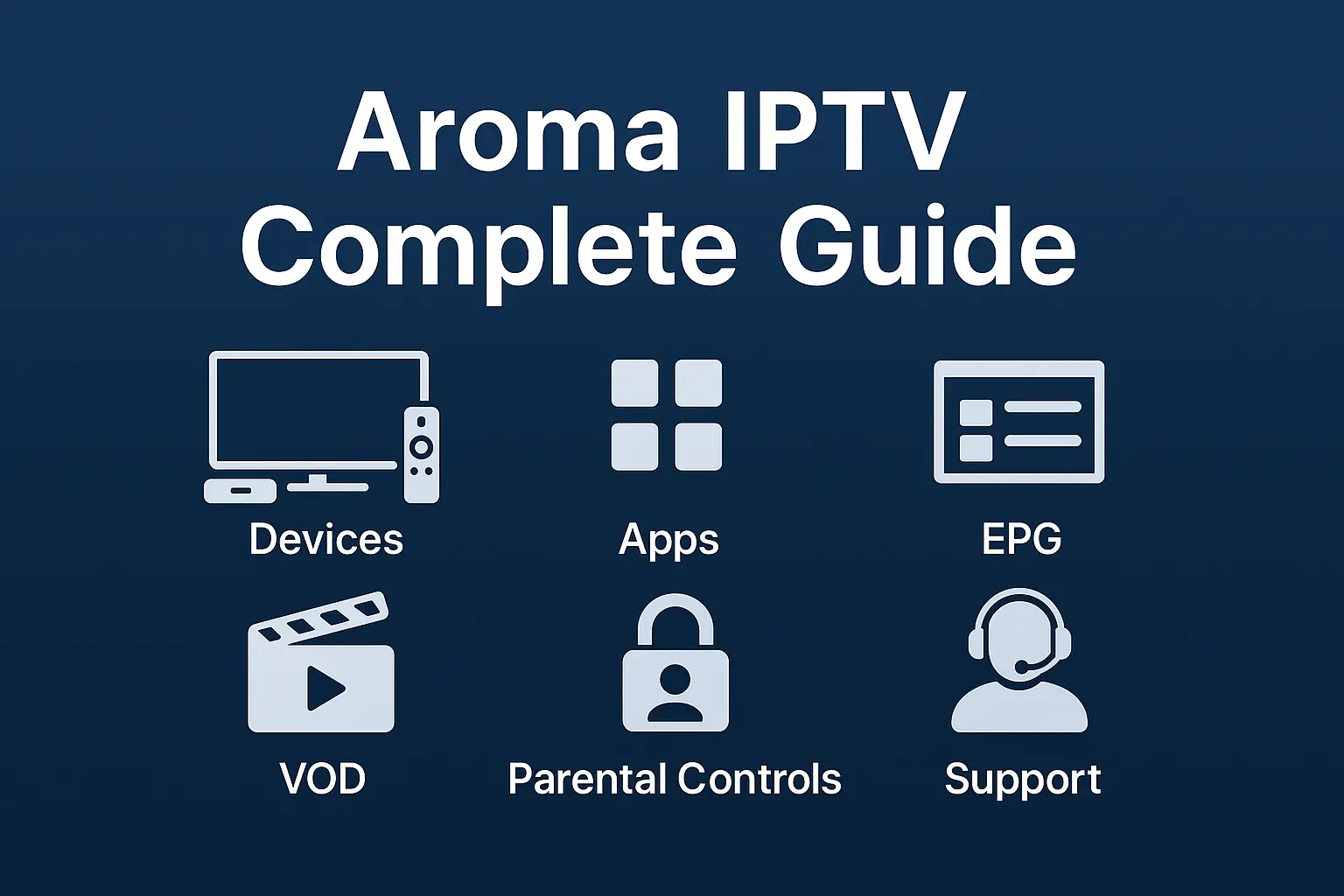
Supported Devices
- Android TV/Box (Shield/Google TV), Fire TV, Samsung/LG Smart TV*
- Apple TV (tvOS), iOS/iPadOS, Windows/Mac via browser or VLC
*Native store availability varies—use a certified player if needed.
Recommended Players
- TiviMate / iMPlayer (Android/Fire TV)
- VLC / IPTVX (iOS/tvOS)
- Smart STB / Duplex on certain TVs
Install & Sign-In
- Install player → enter the portal/M3U and EPG URLs from your order email.
- Enable hardware decoding and set buffer to 8–12s to start.
- Turn on EPG, Catch-up, and Timeshift to your local zone.
Parental Controls
- Set profile PIN
- Hide 18+ folders
- Lock purchases
VOD & Series
Browse categories, add to favourites, and use subtitles/Audio tracks. Clear cache occasionally to refresh posters.
Support Checklist
- Restart router/device, try 5GHz or Ethernet, and relaunch the app.
- Test 2–3 channels to rule out a temporary source issue.
- Share your device model, app version, and speed test with support.
Save this guide and share with family profiles—everyone streams smoother when the basics are set right.