
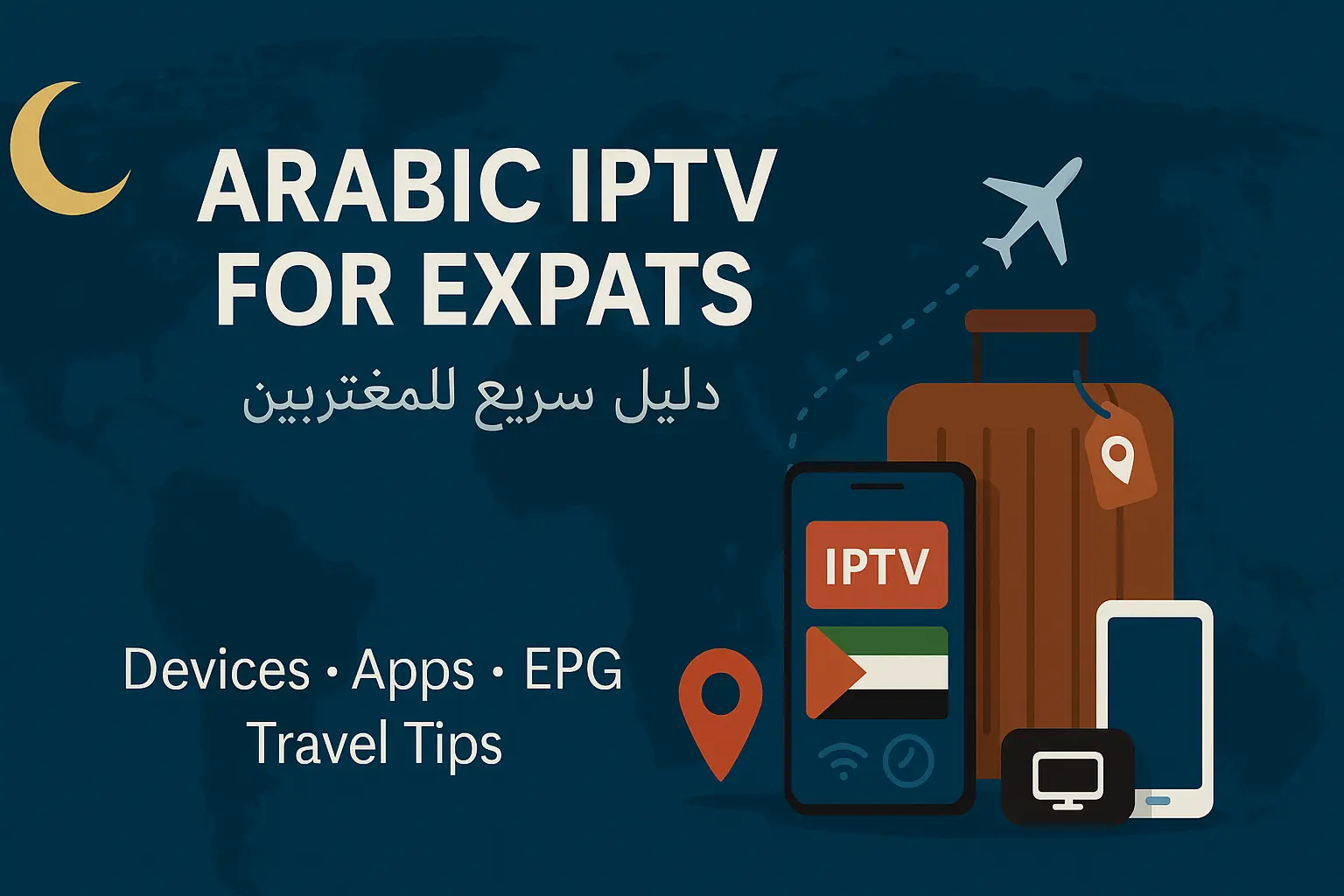
Living outside the MENA region doesn’t mean losing access to your favourite Arabic channels. With Aroma IPTV, you can watch news, sports, series, and Ramadan content in minutes.
What You Need
- Device: Android TV/Box, Fire TV Stick, Apple TV, iPhone/iPad, Smart TV, or any modern browser.
- Internet: 15+ Mbps stable; 25 Mbps recommended for HD sports, 30+ for 4K.
- App: Use our official app profile or an M3U-compatible player (TiviMate, iMPlayer, GSE, VLC).
Setup in 3 Steps
- Install the player and sign in with your Aroma IPTV details.
- Open Live TV → choose your Arabic region folders (Egypt, KSA, UAE, Maghreb, Levant).
- Enable EPG and timeshift to match your local time zone.
Tips While Travelling
- Carry a compact Android TV stick; hotels’ HDMI works great.
- Use 5GHz Wi-Fi or tether from your phone for better stability.
- Download catch-up/VOD episodes for flights (where supported).
Common Questions
Is a VPN required? Usually not. Only use one if your network blocks streaming ports. Choose a nearby server to avoid extra delay.
Can I watch on multiple devices? Yes—check your plan’s simultaneous streams and set a PIN for kids’ profiles.