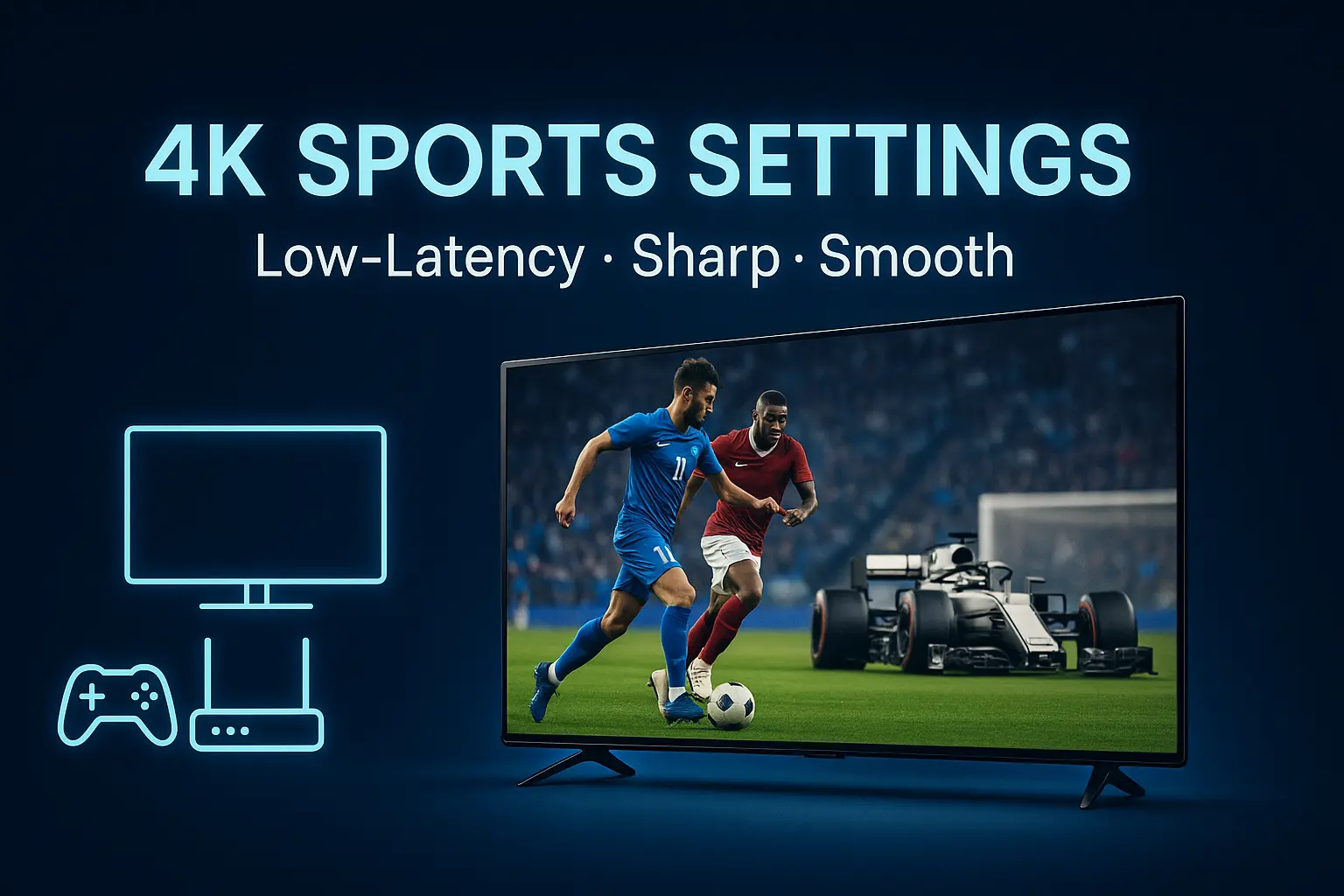
Live sports in 4K is unforgiving—any small setting can cause blur or stutter. This guide gives you a fast, reliable setup for Aroma IPTV so football, F1, NBA, and UFC look smooth and crisp.
1) TV Video Settings
- Resolution: Force 3840×2160 at 60Hz (or 50Hz for European sports). Disable “Eco” picture modes.
- Motion: Turn on motion interpolation low (or “Sports” mode) to reduce judder without soap-opera effect.
- Sharpness/Noise: Keep sharpness low (5–15%), disable noise reduction to avoid smearing fine grass detail.
2) App/Device Settings
- Player: Use ExoPlayer (Android) or VLC (iOS/tvOS) with hardware decoding enabled.
- Buffer Size: 10–15s for stability on live channels; 5–8s if you prefer lower latency.
- Deinterlace: Auto or “YADIF 2x” on VLC for 50/60i sources.
3) Network Optimisation
- Connection: Ethernet > 5GHz Wi-Fi. Avoid crowded 2.4GHz.
- Router QoS: Prioritise your IPTV device MAC. Disable ISP “safe browsing” filters that break HLS/DASH.
- Speed/Baseline: 25–30 Mbps free for 4K; ping <40ms; jitter <15ms.
4) Quick Troubleshooting
- Micro-stutter: Match output frame rate (50/60Hz) to channel.
- Pixelation: Check packet loss; swap to wired; increase buffer.
- Delay vs Friends: Use lower buffer and “Low Latency” player option.
Pro tip: Save two profiles—“Match Day” (lower buffer, low-latency) and “Cinema” (higher buffer, max stability) and switch with one click.